
83 lines
1.4 KiB
Markdown
83 lines
1.4 KiB
Markdown
# ESX MENU DEFAULT GTA ONLINE STYLE
|
|
|
|
|
|
### How to use :
|
|
|
|
source : https://github.com/ESX-Org/esx_menu_default
|
|
little exemple:
|
|
|
|
|
|
|
|
ESX.UI.Menu.Open(
|
|
|
|
'default', GetCurrentResourceName(), 'shop',
|
|
|
|
{
|
|
|
|
css = 'superete',
|
|
|
|
title = 'Magasin',
|
|
|
|
elements = elements
|
|
|
|
},
|
|
|
|
function(data, menu)
|
|
|
|
TriggerServerEvent('esx_shop:buyItem', data.current.value, data.current.price)
|
|
|
|
end,
|
|
|
|
function(data, menu)
|
|
|
|
|
|
|
|
menu.close()
|
|
|
|
|
|
|
|
CurrentAction = 'shop_menu'
|
|
|
|
CurrentActionMsg = _U('press_menu')
|
|
|
|
CurrentActionData = {zone = zone}
|
|
|
|
end
|
|
|
|
)
|
|
|
|
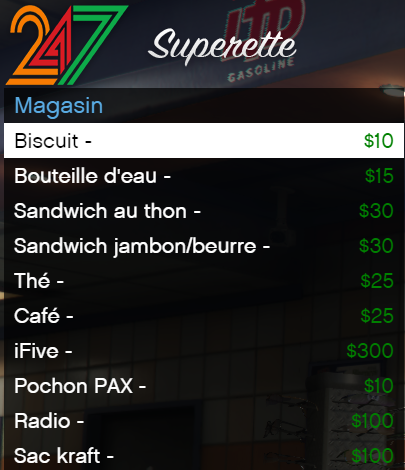
css = 'superete' matches with
|
|
|
|
.menu .head_superete{
|
|
|
|
font-family: SignPainter;
|
|
|
|
font-size: 59px;
|
|
|
|
|
|
|
|
background-image: url("../img/header/247.png");
|
|
|
|
text-align : center;
|
|
|
|
height : 90px;
|
|
|
|
line-height : 105px;
|
|
|
|
color : white;
|
|
|
|
font-style: oblique;
|
|
|
|
}
|
|
|
|
and it looks like this
|
|
|
|
|
|
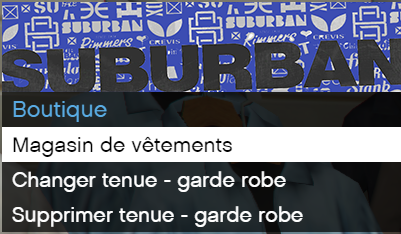
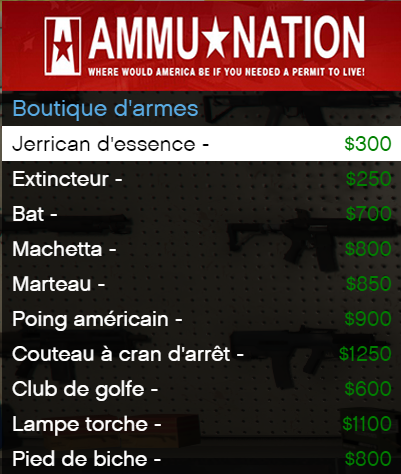
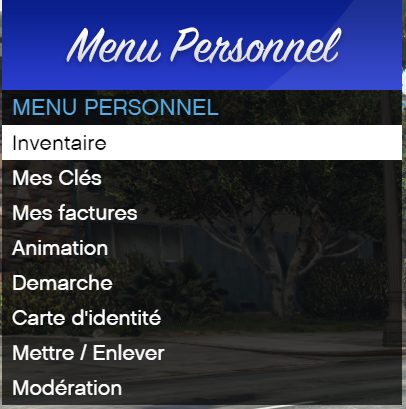
everything is possible :
|
|
|
|
|
|
|
|
|
|
To edit some header there is the template.psd but there is a lot of header in img folder
|
|
|